

From their photo
to their very own story.
You bring the little hero. We bring a world of imagination. Here’s how to make a storybook that feels truly theirs.
Explore the story worlds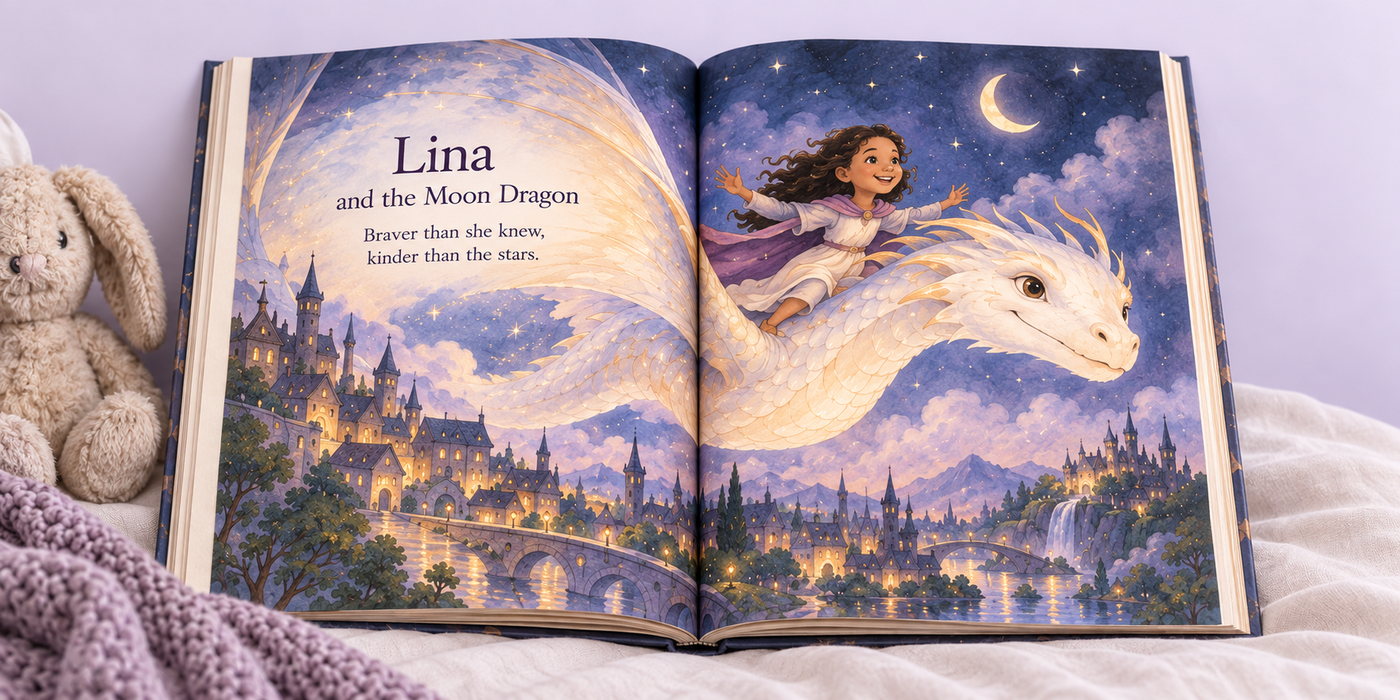
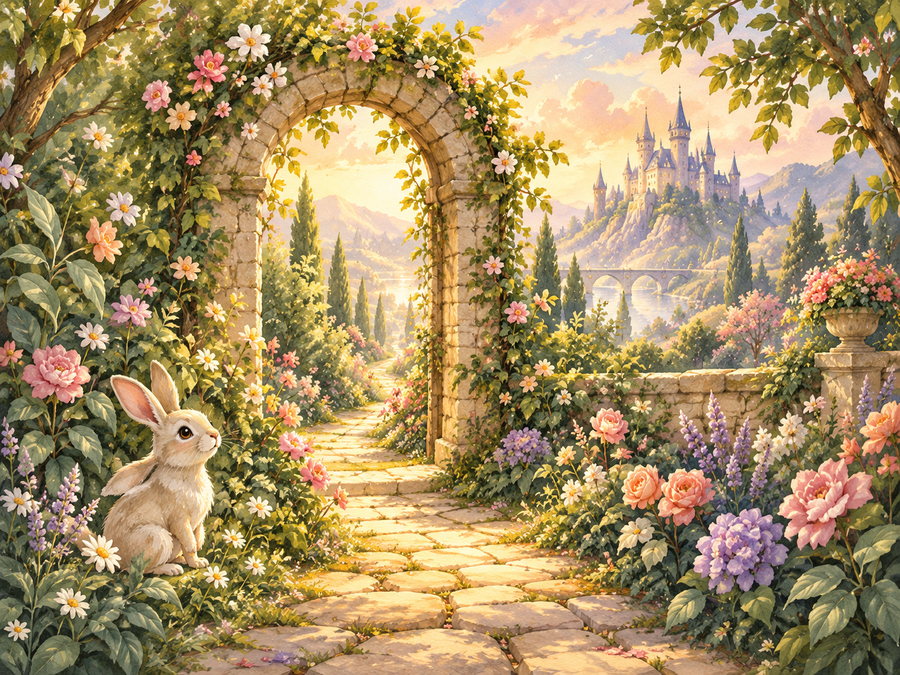
Where will their
imagination take them?
Start with an adventure that feels like your child. A moonlit kingdom for a little dreamer. An enchanted garden for a curious explorer.
Browse the available stories, read the description, and choose the book format you’d like.
Find their adventureA familiar face
makes all the difference.
Upload a favorite photo of your child. It becomes the visual reference for their illustrated character, bringing a little of who they are into the adventure.
Choose a photo you’re happy to share and confirm that you’re their parent or guardian, or have permission to use it.
Their character is an artistic interpretation inspired by the photo. Details may differ from the original photograph.
A few words.
A whole lot of love.
For all the adventures ahead. Stay curious, be kind, and always remember how loved you are.
An example dedication. Your message can be entirely your own.
Make it a story
only you could give.
Add your child’s first name and age, then write an optional dedication to make the book even more personal.
A birthday wish. A little encouragement. A message from someone who loves them. These are the details that turn a story into a keepsake.
Take a moment to check the spelling of their name and your message before moving on.
Meet the hero.
Check every little detail.
At the review step, check the photo, name, dedication and book format you’ve chosen.
When personalized previews are enabled, entering this step sends your photo to our illustration provider. A new scene appears automatically when it’s ready. This can take a few minutes.
Check the illustration and your details before adding the book to your bag. Shipping options and charges are shown at checkout.
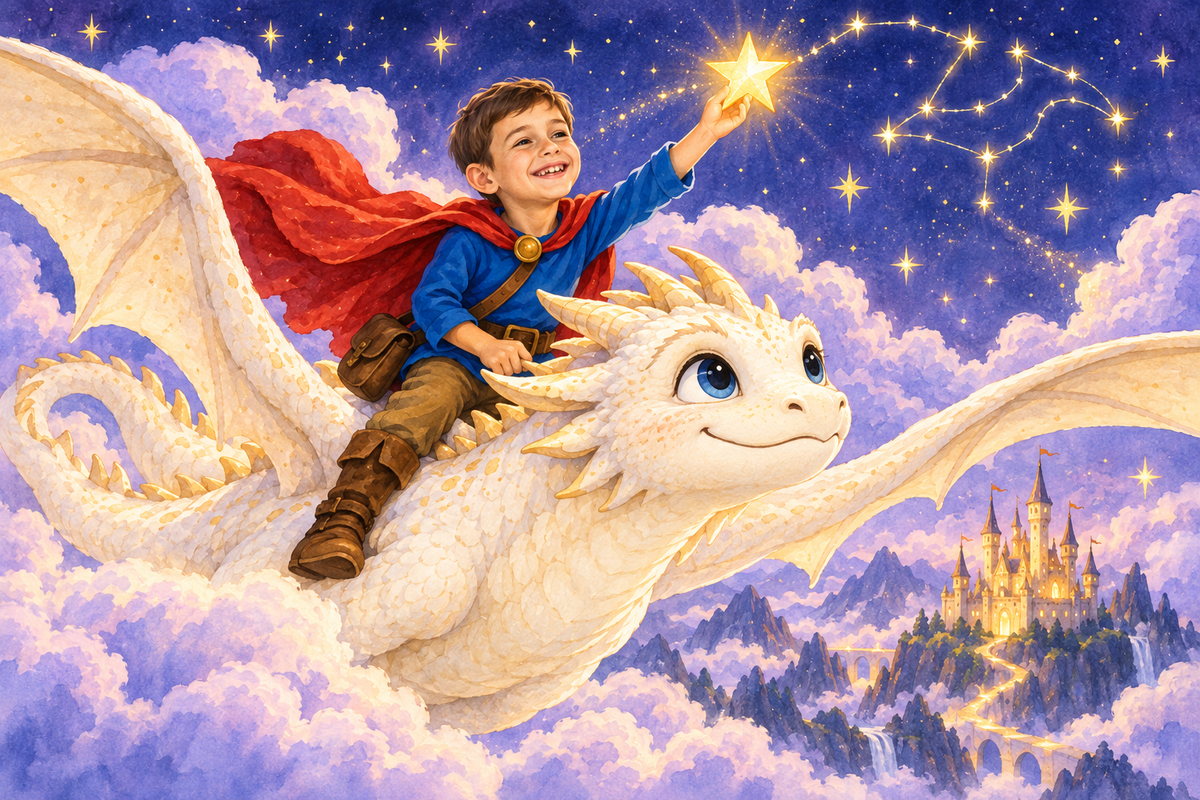
A generated scene previews the illustration style; it isn’t a complete book or final print proof. If generation is unavailable, please contact us before ordering.
A few helpful answers.
Can I change the photo before ordering?
Yes. Go back to the photo step and choose another file. Changing the photo clears the previous generated preview, so the next one uses your new upload.
Will the character look exactly like my child?
The photo guides the illustrated character’s appearance. The result is a storybook interpretation rather than an exact photographic copy. Check the available preview carefully before ordering.
What happens to the photo I upload?
When preview generation is connected, entering Review sends the photo to the illustration provider. Adding the book to your bag submits the original photo and generated preview to Shopify with your personalization details. Read our privacy policy for more information.
When will my book arrive?
Delivery depends on the edition and destination. Check the product’s production information and the shipping options at checkout. Contact us if you need a book for a particular date.
Let’s put them
at the heart of the story.
Choose their world. Add their photo. Make a little magic together.
Start their adventureNeed a little help? Contact us